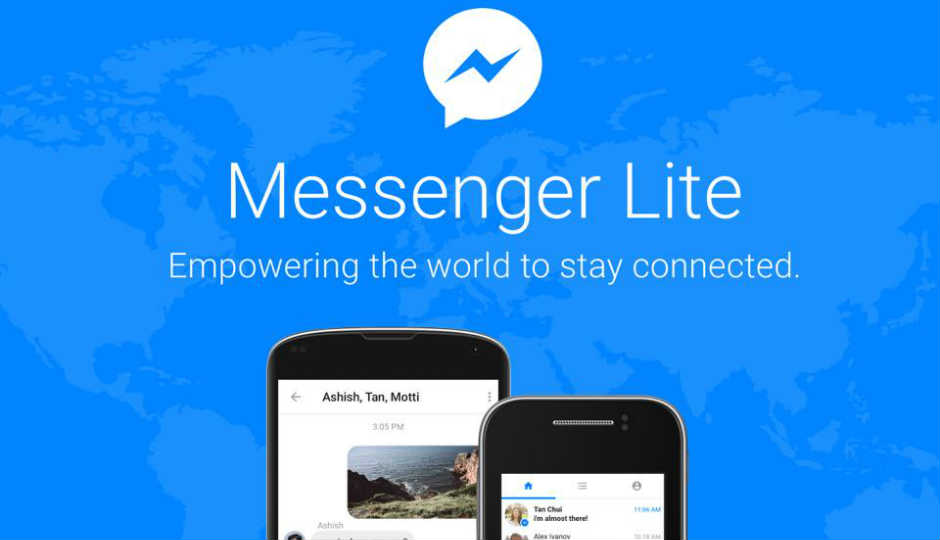
Users always opt for lightweight apps over heavy apps that make their smartphones lag. Running low on storage space on your Android smartphone is a very common problem. You would either clear your storage, or uninstall some apps. In case of Facebook, Messenger is a great tool which provides instant messaging service. It is different from most text messaging apps which does more than just sending texts. Sending text, pictures, videos, emojis, stickers, GIFs, voice call, video call, send money and play games are the features you can use over Messenger app. Messenger Lite is an alternative for Messenger app provided by Facebook. Messenger Lite is made available over hundreds of countries. Most of the people could find it on Google Play. You could also download the app from Apk stores online if the App isn’t available in your country. Messenger Lite can perform all the tasks that Messenger could perform.
Messenger Lite weighs one fifth of Messenger. For now, it misses some minor features such as GIFs. But, now it comes with the feature of video calling. An app which is under 10 mb with the feature of video calling could be considered the best messaging app.
Video Calling Feature
The main aim of Facebook is to make users connect globally. Mark Zuckerberg wants to connect as many as people to the internet. Chatting face-to-face feels different. When chatting live and face-to-face, users could feel the moments when they want to hear the voices and see the people they care about. Wishing someone Birthday greetings, congratulating someone or talking to someone after a long time over video call makes up a day. According to Facebook, video chat is popular on day to day basis among Messenger users. In 2017, 17 billion video chats were recorded on Messenger compared to the previous year.
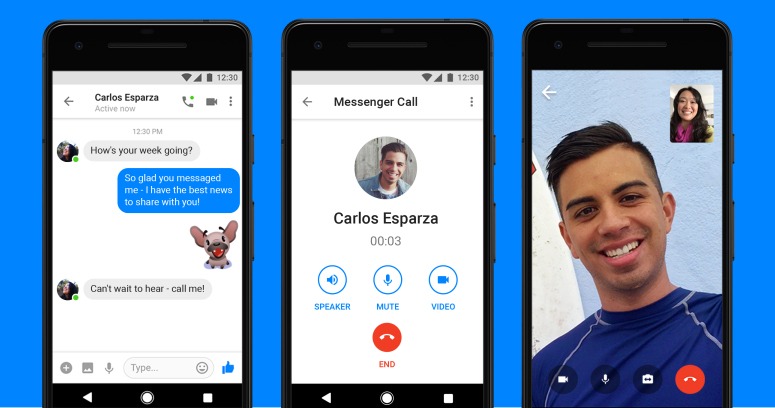
Video Call on Messenger Lite
To use this new feature of video calling on Messenger Lite, just open the Facebook Messenger Lite app on your android smartphone, open the conversation of the person or choose a contact you want to call, then tap on the video call icon at the top right corner of the screen. Video call on Lite is similar to the traditional one on Messenger app. Switching from video call to audio call is also possible by tapping the icon while you are on the line.