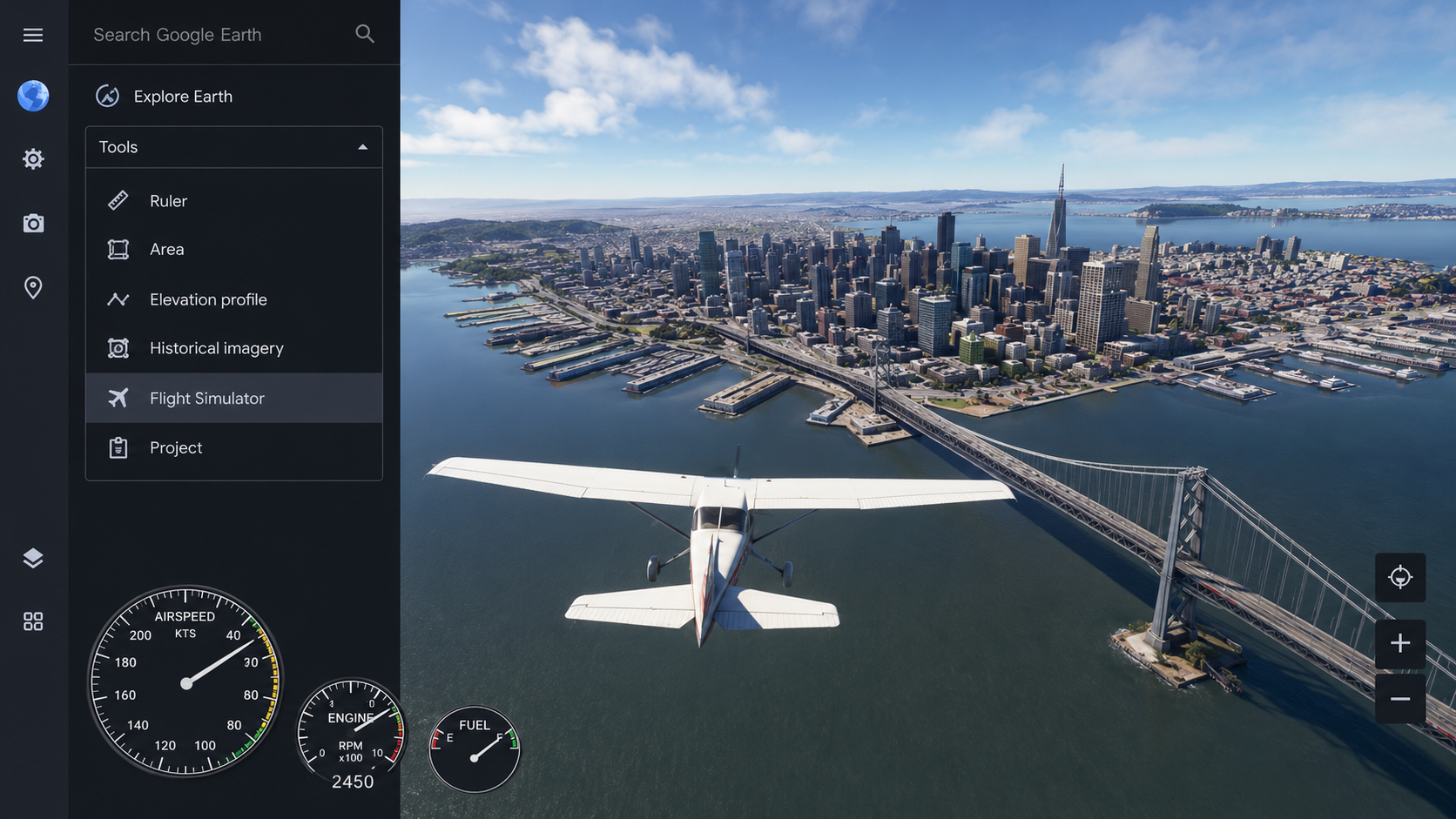
Google has officially transitioned its popular flight simulator from a standalone desktop application into a standard web browser. Part of a broader overhaul of the platform’s web interface, this update lets users pilot aircraft across a virtual 3D rendering of the globe without requiring software downloads. Alongside the simulator, Google is rolling out other advanced desktop features to the web, including custom elevation profiles and professional data layers.
To launch the simulator, users open Google Earth on a computer web browser, click the “Explore Earth” icon, and select “Flight Simulator” from the “Tools” drop-down menu. Activating high-resolution 3D imagery requires switching the background setting from “Map” to “Satellite.” Handling relies on keyboard controls: the Page Up and Page Down keys adjust engine thrust, while the arrow keys manage pitch and roll. Clicking the mouse inside the simulation screen toggles between mouse and keyboard navigation.
Because the browser streams 3D geometry and satellite images in real time, a fast internet connection is necessary to avoid blurry textures or delayed loading times over dense cities. The simulator also features strict collision physics. If an aircraft strikes an object or the ground, the system freezes and prompts a restart notification, resetting the plane to a safe altitude.
