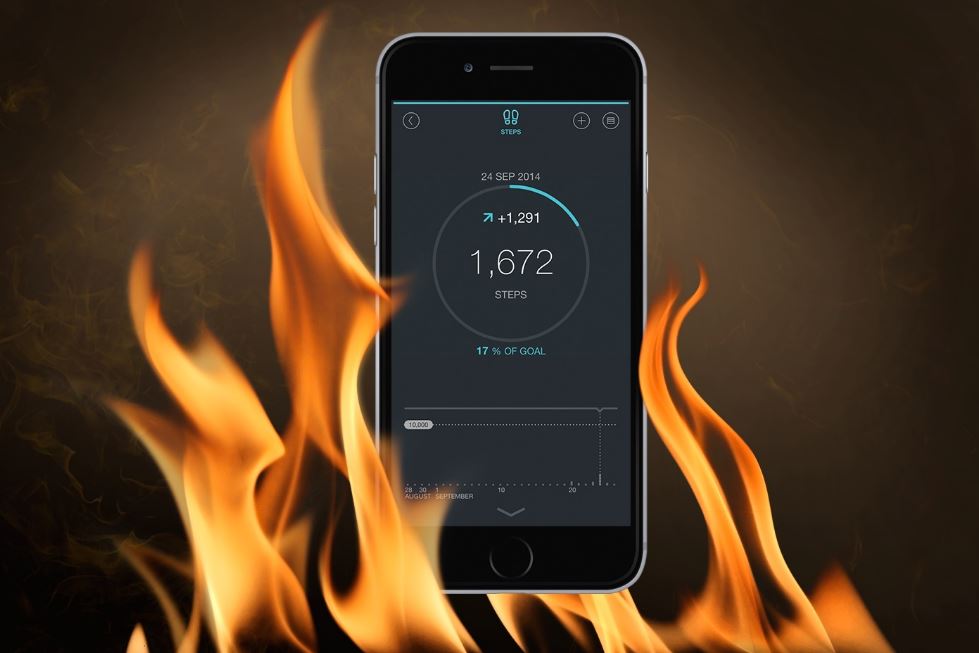
Overheating is the word you will listen in every smartphone users mouth. Smartphones including from Apple to Samsung all have heating problems, at some point in time, they will get overheated for sure. It’s a common issue that’s worse in the summer when the temperatures outside start rising.
According to AndroidPit.com, “smartphones have to physically move things around to work at all, so they have to generate heat. The amount of heat your smartphone produces is largely proportional to the amount of electricity moving through it.”
Here let us look at the 13 ways in which you can stop your phone from getting overheated.
The camera.

Phones with top-quality video cameras can end up overheating. This doesn’t happen in all cases, and typically depends on some other factors:
- Selected resolution and frame rate
- Screen brightness
- Environmental temperature
Charge your battery only up to 80%

If you always charge your phone overnight then my friend you are doing the wrong thing. It is always advised by the technicians that phone battery should be charged only up to 80% to get the maximum out of the battery. And charging up to 100% or keeping the cable on even after 100% will lead to serious heating of the phone. Your phone is more likely to overheat when it’s at a full charge, so charge it when it drops to near 30% and unplugs it once it reaches an 80% charge.
Avoid exposure to direct sunlight.

It is an obvious thing that your phone will get overheated if you keep it exposed to direct sunlight. So avoid keeping your phone in direct sunlight while you are enjoying by the pool or the beach.
Always close unused apps.

You might stop using your phone but your phone doesn’t stop working until and unless you close all the tabs. Thus, background apps and unclosed tabs lead to overheating of the phone due to its continuous functioning, thus get the habit of clearing of tabs before leaving your phone.
Turn the brightness down.

One of the thing that constitutes most to the overheating of the phone is the brightness of your screen. Thus, don’t forget to keep the brightness of your screen always at the minimum level. If you have a hard time seeing the screen with the brightness low, invest in an anti-glare screen.
Keep your apps up-to-date

To keep your phone safe you always need to keep your apps up-to-date. Old apps might contain bugs that would lead to overheating of your phone. Thus, keeping your phone up-to-date will help to some extent to decrease the overheating of your phone
Delete unnecessary apps.

Delete functions and apps you don’t use. Keeping your unused apps will simply eat up your storage which in turn will lead to overheating of the phone. Deleting unnecessary apps also includes turning off push notifications, turning off apps that are running in the background, and disabling location services from certain apps.
Utilize airplane mode.
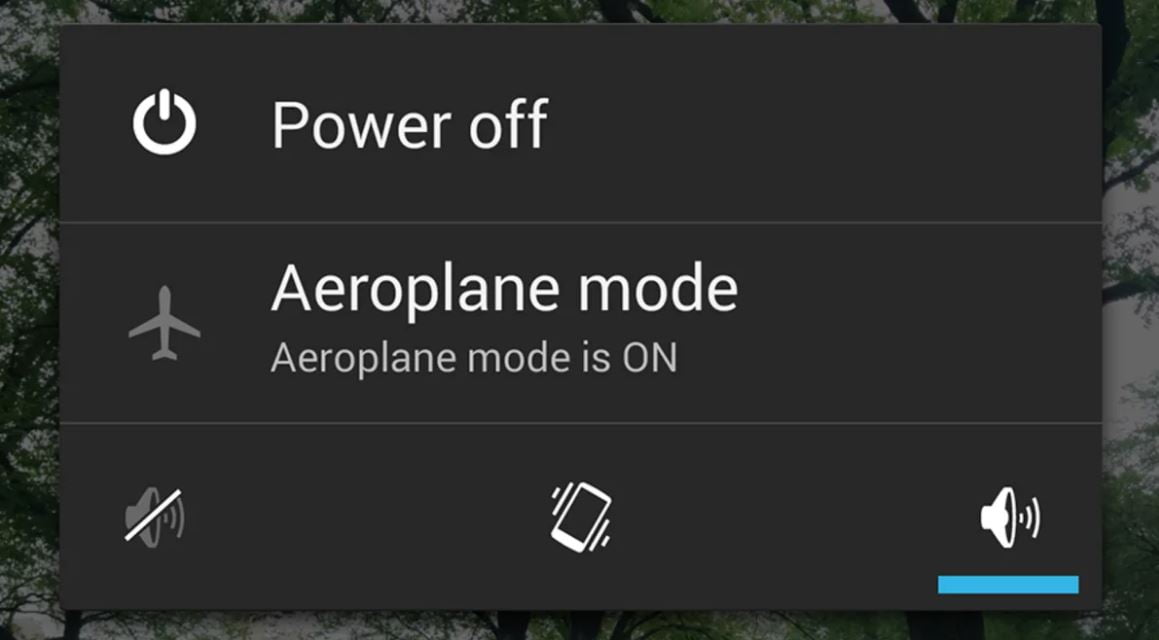
When you don’t use your phone or sometimes when you are busy studying or attending a meeting then don’t just keep your phone in silent mode. You just need to switch on the airplane mode and it will stop all the functions thereby preventing drainage of battery and overheating.
Ration the Bluetooth.
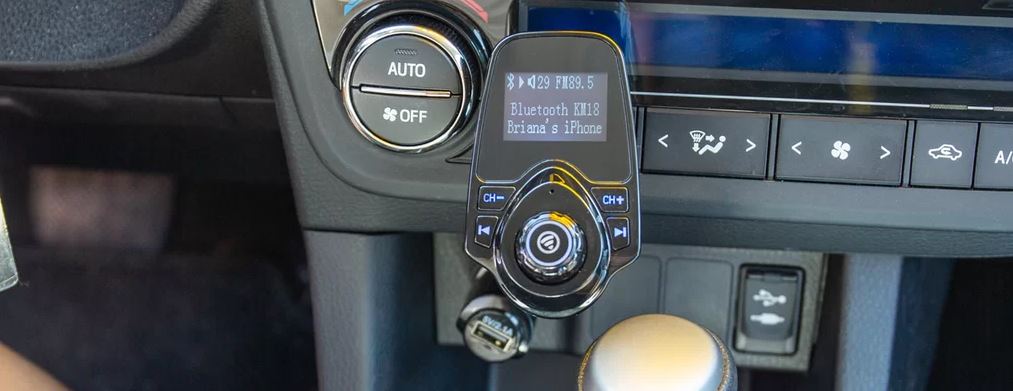

If you are an android user then you must be very aware of the need for antivirus. If your Android phone is getting overheated the most possible reason could be the presence of a virus on your phone. And thus to tackle this problem the most accepted way is to install an antivirus.
Take a break from playing games.

Games always lead to overheating of the phone due to their heavy size. Thus you should try to minimize the games you play on your smartphone. Moreover, if you are playing take considerable gaps between games in order for your phone to cool down and definitely make sure the game isn’t still running in the background after you’ve finished playing.
Take off the case.
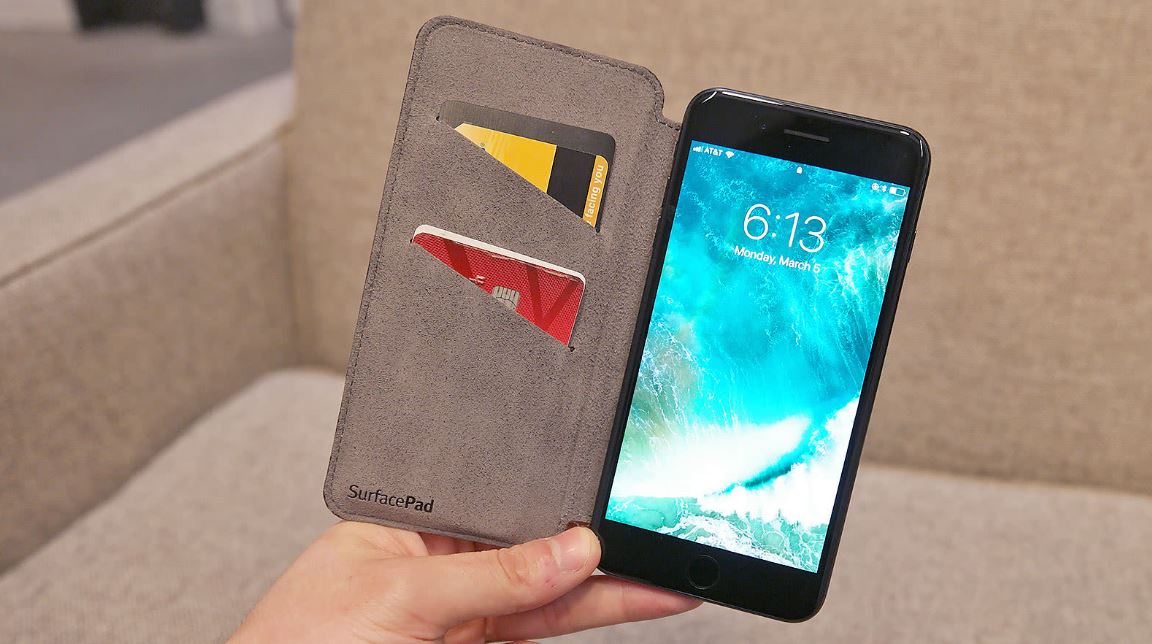
It works if your phone is already heated. To cool down your phone fast you just need to take out the case so that the heat could pass out easily. It is also suggested that you take off the cover while charging your phone.
Check the charging cable.
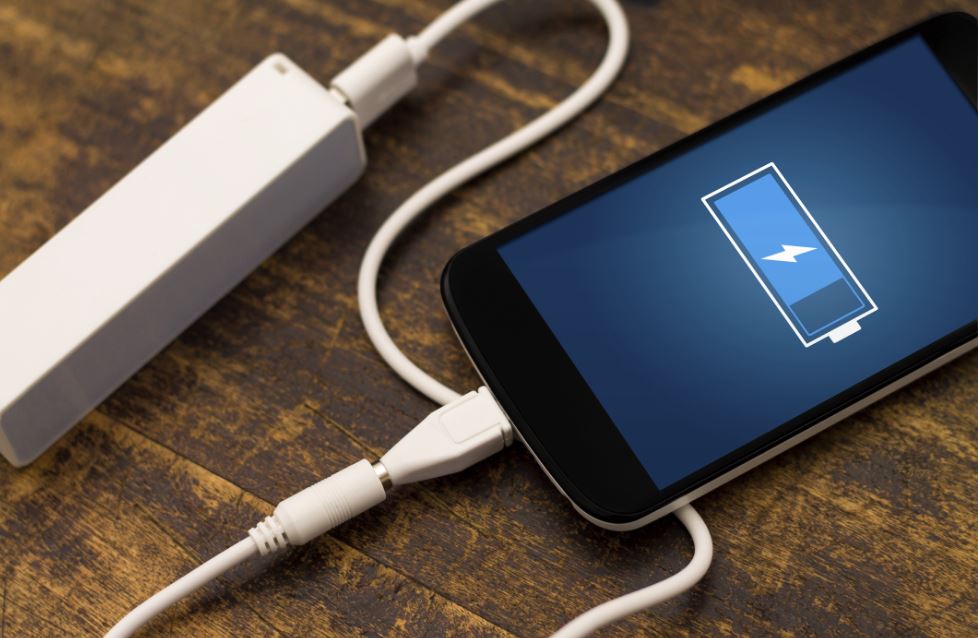
If your phone is overheating while you are charging it then the most probable defect could be in the charging cable. Thus you always need to use a branded charging cable. If you are using a cheap Chinese charging cable then the probability is that your phone will keep on getting overheated.